Productivity for Remote Gig Workers: Systems That Actually Scale
Most productivity advice is written for employees with fixed schedules. Gig workers don’t have that luxury. No manager, no structure, no safety net. Productivity in gig work is not about doing more. It’s about building systems that protect focus, energy, and income over time. This guide explains what actually works.
Why Gig Worker Productivity Is a Different Problem
Gig workers don’t struggle with motivation. They struggle with context switching, uncertainty, and invisible pressure.
Typical productivity blockers:
- Multiple platforms with different rules
- Unpredictable task volume
- Cognitive fatigue from AI-assisted work
- No clear “end of day”
Classic to-do lists fail here. You need constraint-based systems.
The Only Productivity Metric That Matters
Forget hours worked. Track output per cognitive hour.
High-performing gig workers optimize for:
- Short, focused work windows
- Fast task recovery after breaks
- Minimal decision-making overhead
This is why “working longer” usually lowers earnings over time.
Build a One-Stack Productivity System
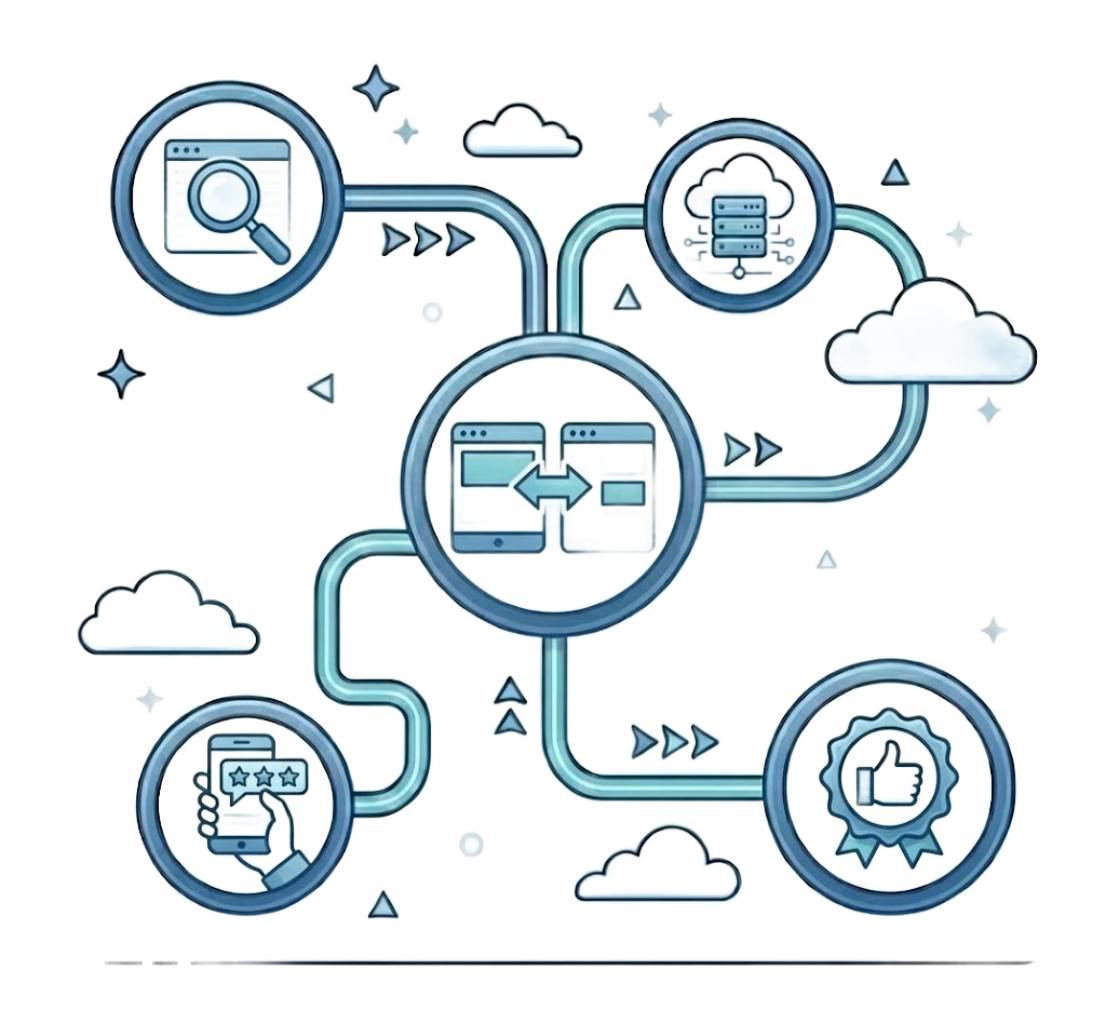
Top gig workers avoid tool overload. They use one stack for thinking, tracking, and execution.
Core components:
- One task manager
- One note system
- One time-awareness tool
Everything else is optional.
The goal is not organization. It’s reducing friction between task → execution → delivery.
Remote PlaybookProductivity
Master the fundamentals of remote productivity. Systems, routines, and focus strategies that scale.
ExploreTime Blocking for Irregular Workloads
Traditional time blocking assumes stable schedules. Gig work requires elastic blocks.
Effective approach:
- 90-minute deep work blocks
- 15–30 minute admin blocks
- Hard stop times, even when work is available
This protects long-term output and prevents burnout loops.
Focus Is a Skill, Not a Trait
Remote gig work destroys shallow focus first.
Common focus leaks:
- Platform notifications
- Open-ended task queues
- Constant tool switching
High performers design focus defaults:
- Notifications off by default
- One active task only
- Pre-defined break triggers
Discipline comes from environment design, not willpower.
Remote PlaybookTools & Systems
Discover tools and systems that reduce friction and increase output. Compare options and find what works for you.
ExploreProductivity Tools That Earn Their Place
Most tools promise productivity. Few deliver.
Tools worth using early:
- Writing and clarity assistants
- Time tracking for awareness, not control
- Secure browsing and privacy tools
Avoid tools that require maintenance. If a tool creates work, it’s not productivity software.
Managing Energy, Not Just Time
Gig work is cognitively expensive.
Warning signs of declining productivity:
- Slower task comprehension
- Re-reading instructions
- Increased small errors
Solution:
- Shorter sessions
- Predictable routines
- Non-negotiable recovery time
Energy management is a revenue skill.
The Anti-Burnout Rule High Earners Follow
They stop before they’re tired.
This sounds counterintuitive, but it works. Stopping early preserves consistency, which platforms reward more than spikes.
Burnout kills accounts quietly.

Scaling Productivity as Income Grows
More work does not mean better systems automatically.
When income increases:
- Tighten task selection
- Reduce platform count
- Increase minimum acceptable rate
Productivity at scale is about subtraction, not optimization.
Remote PlaybookGetting Started
New to remote gig work? Start with the fundamentals and build a solid foundation for your remote career.
ExploreProductivity is not about squeezing more work into your day. It’s about designing days that don’t collapse under pressure.
Remote Gig Productivity Setup
- One task management system
- Defined deep work blocks
- Notifications disabled by default
- Clear start and stop times
- Weekly system review
Productivity compounds when the right tools and platforms work together.
Explore Tools and PlatformsFrequently Asked Questions
What is the best productivity system for gig workers?
A simple one-stack system with clear task management, focus blocks, and minimal tools works best for most gig workers.
How many hours should gig workers work per day?
High-performing gig workers often work fewer hours but protect deep focus blocks and recovery time.
Do productivity tools really increase gig income?
Yes, when they reduce friction and cognitive load rather than adding complexity.